















SAMURAI Warface guide: how to launch the loader
Step-by-step SAMURAI Warface launch guide: antivirus, Vanguard/FACEIT, VC++ Redistributable, Launch order and common errors.
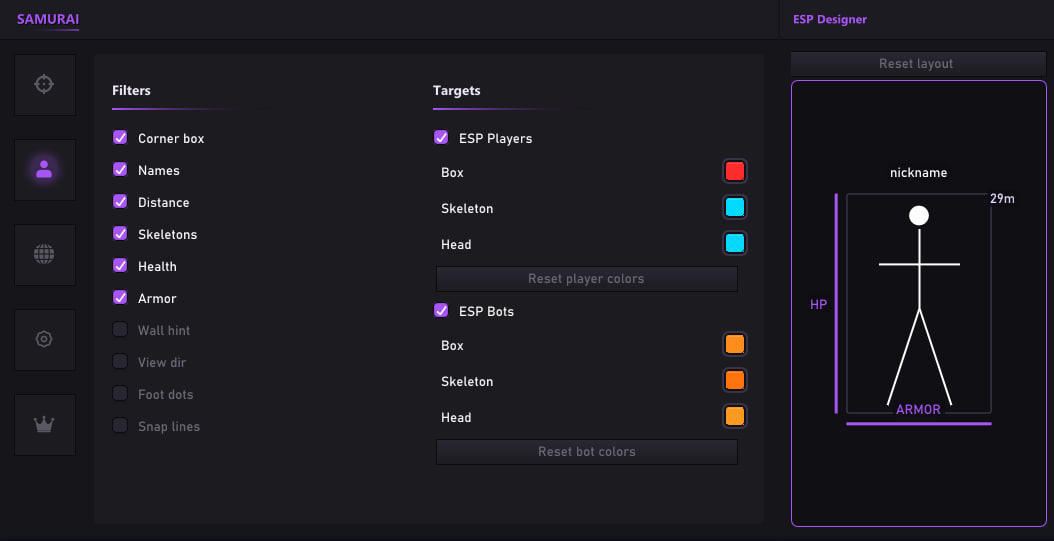
SAMURAI Warface launch guide
Official launch guide for SAMURAI on Warface. After payment the key and a short note arrive by email — full steps below.
Antivirus
- Fully uninstall third-party antivirus (Kaspersky, ESET, Avast, AVG, Norton, Dr.Web, etc.) — do not just disable.
- Turn off Windows Defender real-time protection.
- Add the loader folder to exclusions if Defender stays (no guarantee).
Anti-cheats
- Remove Riot Vanguard (Valorant).
- Remove FACEIT Anti-Cheat.
System
- Windows 10|11 (21H2–25H2).
- Administrator account.
- Sync date/time (key auth).
- Stable internet.
Platforms: Steam, ASTRUM, VK, GameCenter / Launcher.
Redistributables
- VC++ 2015–2022 x64
- DirectX if Warface complains about d3dx / xinput
Reboot after install.
Launch order
- Close Warface if open.
- Run Loader.exe as Administrator.
- Enter the key → Activate. Wait for “Key accepted”.
- Press Launch once. If stuck 2+ minutes, restart Loader.
- When it says “Waiting game” / “Launch Warface” — start Warface.
- Wait for the main menu. The cheat attaches automatically.
- In-game menu: Insert. Panic: Home. Exit: End.
Troubleshooting
- Key rejected — check key, expiry, HWID bind.
- Launch failed / Download — wait 1–2 minutes and retry.
- Setup error — reboot, close game, run Loader as admin.
- Driver not loaded — remove Vanguard/FACEIT, reboot, Launch before the game.
- BSOD — reboot; do not run other cheats/drivers in parallel.
- Core isolation / Memory integrity — disable, then reboot.
Notes
Do not share the key. Play at your own risk. Always verify status on the SAMURAI card and the Warface catalog.
Was this article helpful?
Your anonymous feedback helps us improve content